The point of it…
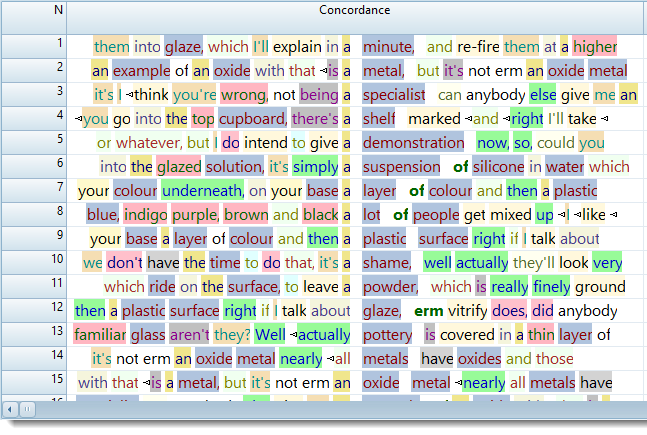
Suppose you're interested in identifying structures of a certain type (as opposed to a given word or phrase), for example sequences of Noun+Noun+Noun. You can type in the tags you want to concordance on (with or without any words).
How to do it…
In Concord's search-word box, type in the tags you are interested in. Or define your tags in a tag-file.
Examples
It doesn't matter whether you are using a tag file or not, since WordSmith will identify your tags automatically. (But not by magic: of course you do need to use previously tagged text to use this function.)
Concordancing on tags
If your search-word or phrase includes tags, check Search Word Syntax.
Case Sensitivity
Search words aren't case sensitive (by default).
Hide Tags?
After you have generated a concordance you may wish to hide the mark-up. See the View menu for this.
Very long tags?
If your mark-up system uses long tags like these
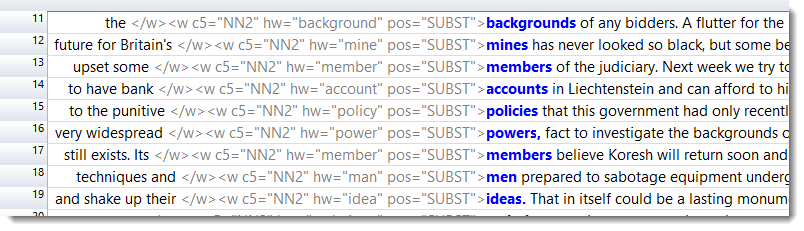
you can shorten them for legibility.
See also: Overview of Tags, Handling Tags, Showing Nearest Tags in Concord, Search word or phrase, Types of Tag, Viewing the Tags, Using Tags as Text Selectors, Tag colours