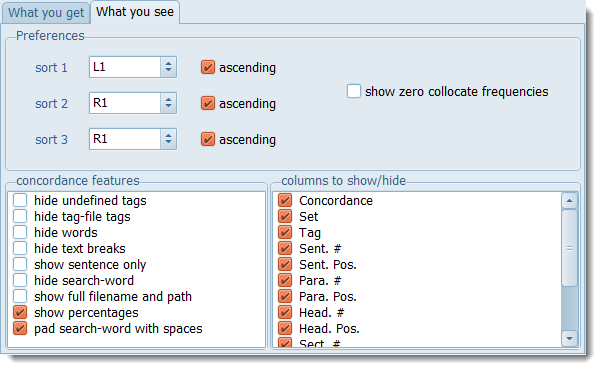
Access these options in the main Controller, via Concord | What you see.
 Show zero collocate frequencies
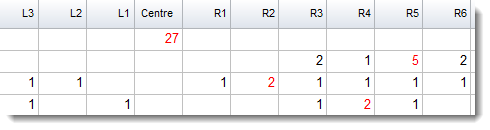
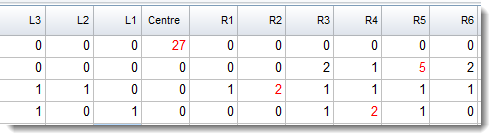
Concordance features
hide undefined tags: hides any <tags> to the left of the search-word
hide tag-file tags: hides tags from your tag list
hide words: hides the words (shows only tags)
hide text breaks: hides the little marks at sentence/heading starts & ends
show sentence only: show the sentence context only
hide search-word: hide the search-word (for teaching exercises)
pad search-word with spaces: space to left and right of the search-word
Columns
The Columns to show/hide list offers all the standard columns: you may uncheck ones you normally do not wish to see.
See also: Controller What you get choices, showing nearest tags, blanking out the search-word, viewing more context, growing/shrinking concordance lines.