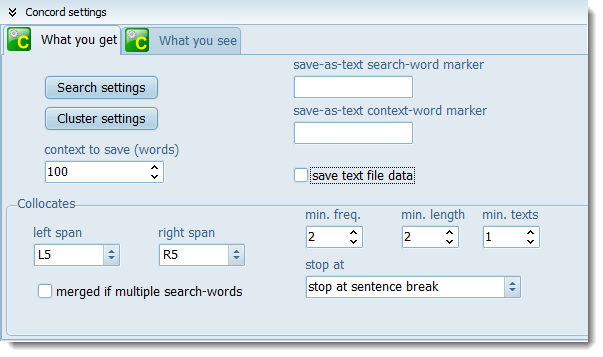
Here is where you set how many words left and right of the search-term will be stored as text as the concordance is generated. This number of words will be saved when you save your results, so even if you subsequently delete the source text file you can still see some context.
save as text search-word or context-word marker: here you can also specify markers for your search-word and context-word.
If this is checked, after the concordance is computed, you get a list with all the text file names and the number of hits in each.
Collocates
By default, Concord will compute collocates as well as the concordance, but you can set it not to if you like (Minimal processing). For further details, see Collocate Horizons or Collocation
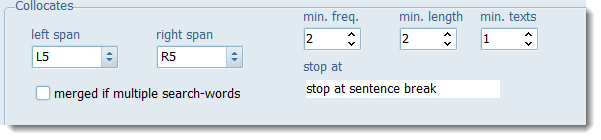
The minimum frequency and length refer to the collocates to be shown in your listing. With the settings above, only collocates which occur at least 5 times and contain at least 1 character will be shown as long as they don't cross sentence boundaries.
If you have multiple search-terms, then you get collocates distinguishing between the different search-terms. But if merged if multiple search-words is checked they will be amalgamated. (You might want that if researching want/wanted/wants for example.)
See also: Concord Saving and Printing, Concord Help Contents, Collocation Settings.