
There are a number of Settings windows in the Controller. You will see tabs accessing them at the left in he main Controller window.
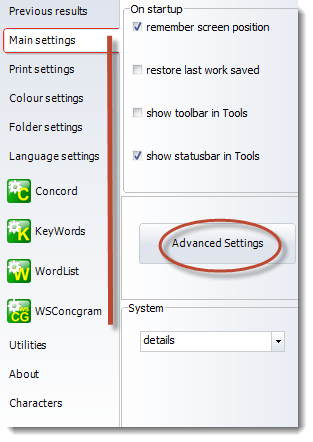
Choose and save settings concerning:
•font
•tags
There are a number of Settings windows in the Controller. You will see tabs accessing them at the left in he main Controller window.
Choose and save settings concerning:
•font
•tags

F7 for caret browsing Hold ALT and press letter
| This Info: | ALT+q |
| Nav Header: | ALT+n |
| Page Header: | ALT+h |
| Topic Header: | ALT+t |
| Topic Body: | ALT+b |
| Exit Menu/Up: | ESC |