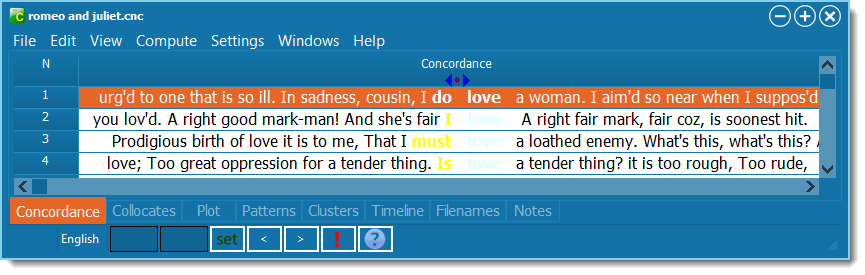
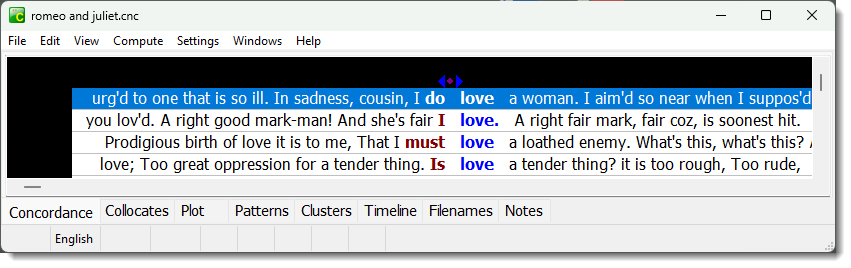
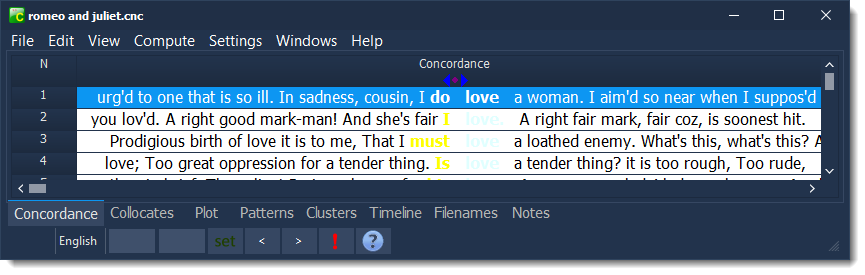
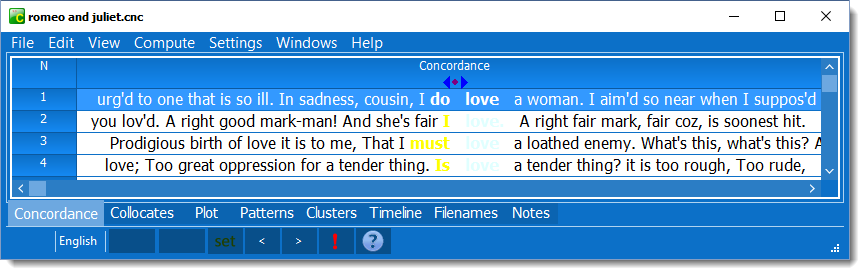
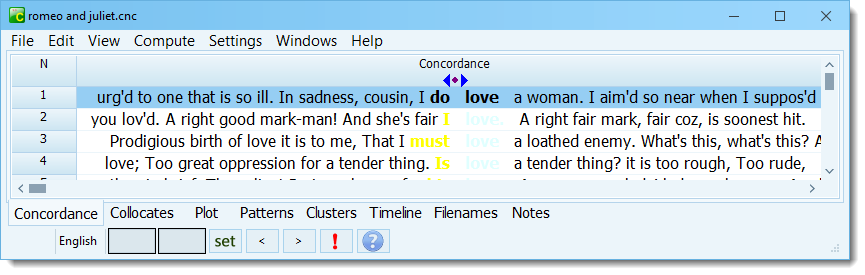
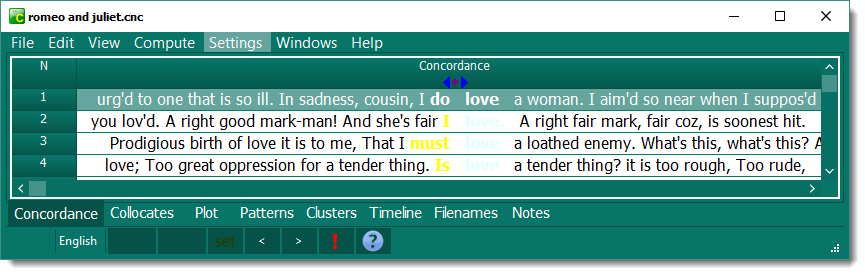
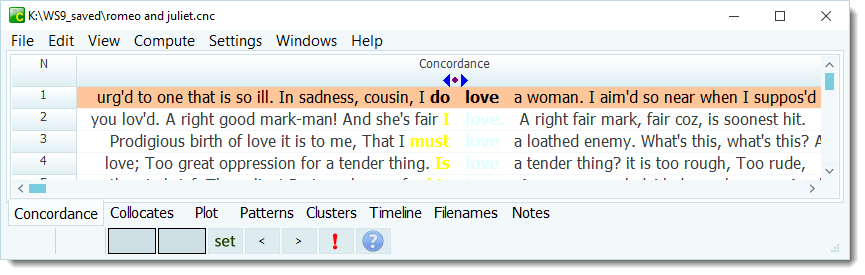
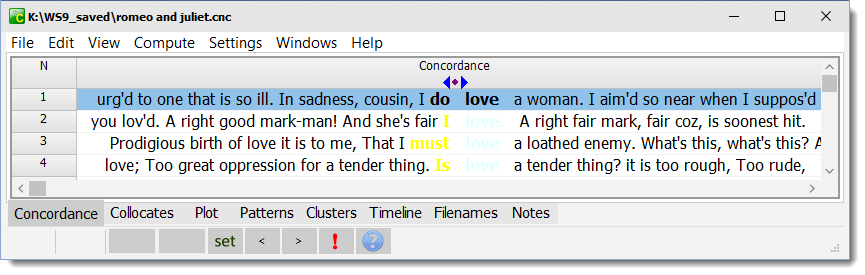
These schemes are not ready to use out of the box, they would need to be customised. The search word and main sort words need to contrast with the background.
How to customise
The Metropolis UI Black scheme hardly shows the search word, because its default is LightCyan. The yellow on white main sort word is also very hard to read.
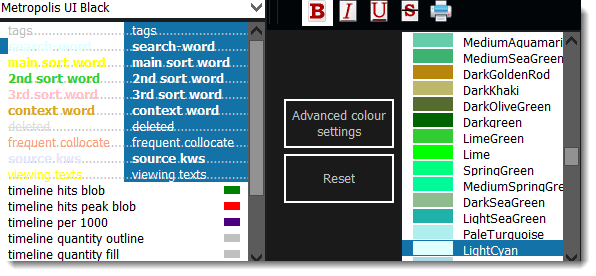
Firebrick colour would look better.

When you have finished, press the save all settings button.
 Samples: Light Colours (need customising)