The idea is to be able to break down your data. For example, you've just done a concordance of LOVE in Shakespeare plays and you want to know there are in each play.
Choose Breakdown in the Compute menu.
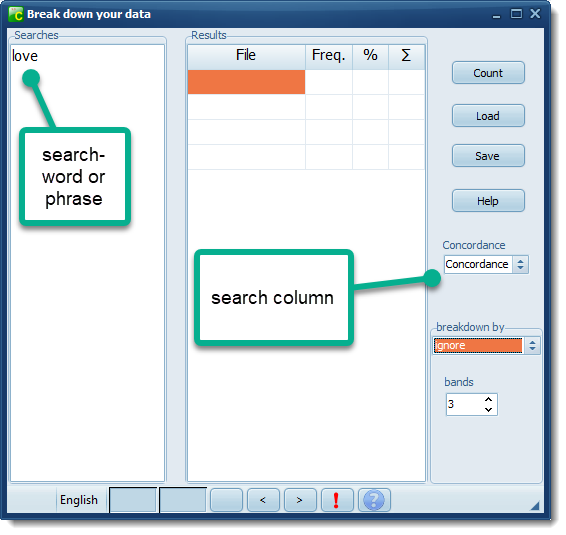
If you don't supply a breakdown column you get 1,948 hits.
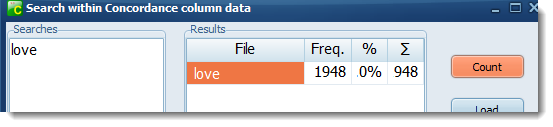
But if you choose File as your breakdown column
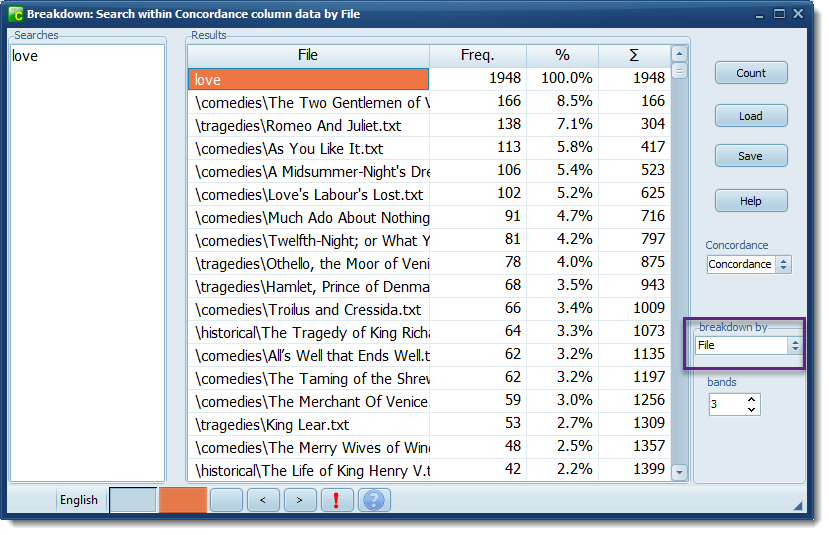
The word love has a frequency of 1,948 overall. but the individual files have different scores.
Romeo and Juliet has 138 which is (7.1% of the total 1,948). The rightmost column keeps a running total.
Load
This allows you to load into the searches window any plain text file which you have prepared previously. For complex searching this can save much typing. An example might be a list of suffixes or prefixes to check against a word list.
Search Column
This lets you choose which column of data to count in. It will default to the last column clicked for your data.
See also: WordList example